Why Workouts Stall Before They Start
Ask anyone who's tried to build a home workout habit what killed it, and it's rarely the exercise. It's the overhead. Counting reps while your legs burn. Losing the count at 8-or-was-it-9. Fumbling for the phone between sets to log something. Every piece of friction is one more excuse for tomorrow-instead.
The classic fix is a tap counter — and our Exercise Counter has helped people count millions of reps that way. But there's a newer answer that removes even the tap: let the camera do the counting.
The AI Rep Counter watches you through your device's camera, recognizes the movement you're doing, and counts each completed rep out loud. You never touch the screen mid-set. You never lose count. You just move.
How a Camera Counts a Squat
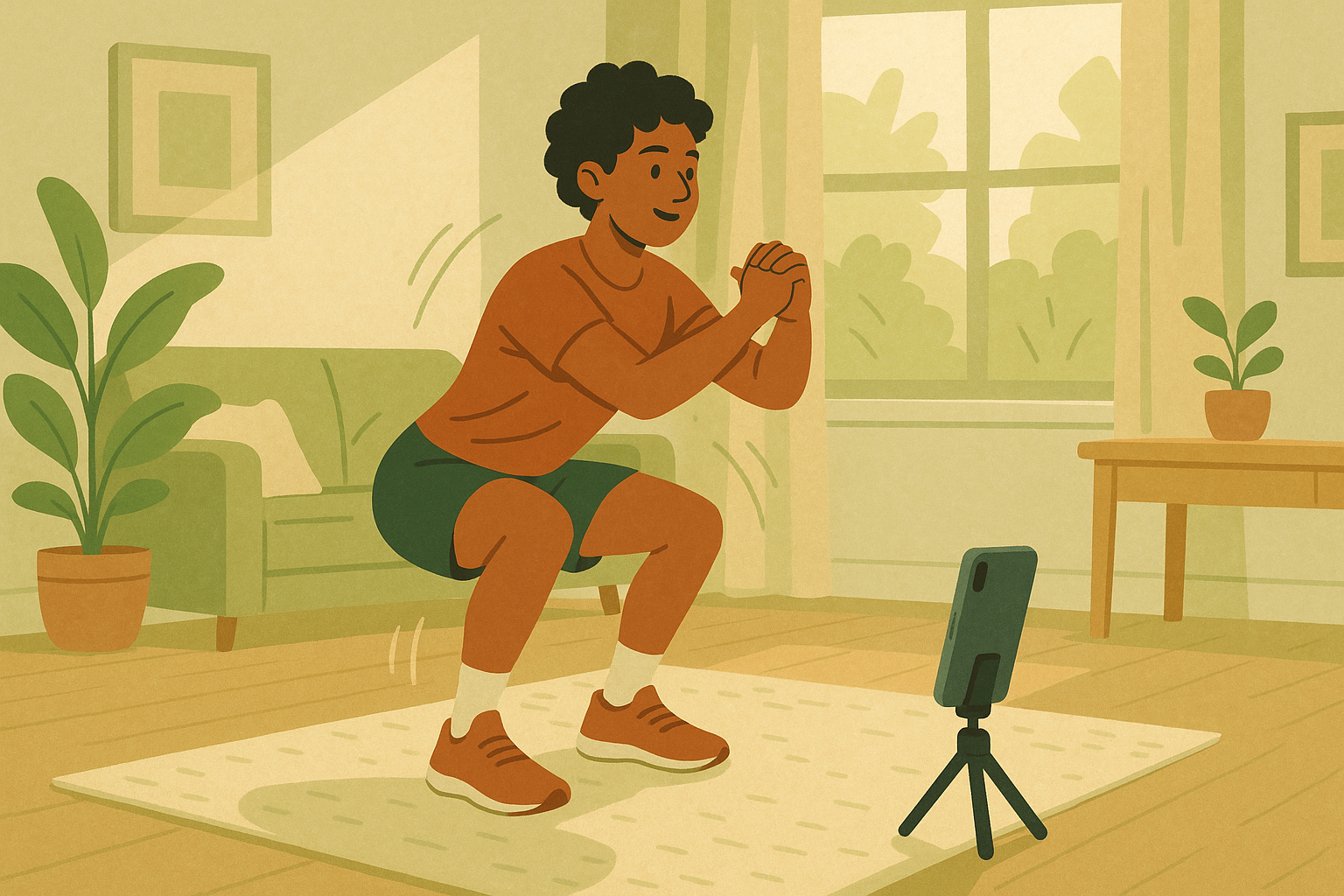
When you press Start, your browser starts tracking 33 points on your body — shoulders, elbows, hips, knees, ankles — live in the video feed. A squat is recognized geometrically: your knee angle closes as you descend, then opens again as you stand. Complete the full cycle and the counter ticks up, announces the number, and buzzes your phone.
A Different Signature for Each Exercise
Each exercise has its own movement signature. Squats and push-ups are read from the angle at your knee or elbow. Bicep curls track whichever arm is curling. Jumping jacks look at arm height against your head plus how far apart your feet are. The app even shows you the live joint angle it's measuring, so if a rep doesn't count you can see exactly why — usually a shallow squat or a half-extended arm, which means the counter is quietly coaching your range of motion too.
How It Stays on Your Device
This is the part that matters most, so here's the honest technical version. The pose detection runs on Google's MediaPipe Pose Landmarker (the @mediapipe/tasks-vision library) using the lightweight BlazePose model. When you press Start, your browser downloads that model once and runs it locally through WebAssembly and your device's GPU (WebGL) — the same sandbox any web page runs in. Your camera feed is captured with the browser's standard getUserMedia and handed straight to that in-browser model. There is no network call in the loop, no server, no frame ever leaving the page. Close the tab and both the video and the model are gone.
Because the model runs inside your browser, the two things people worry about — the live camera feed and the AI doing the analysis — both stay locked inside your phone. Nothing is uploaded, recorded, or stored, online or off.
The Thirty-Second Setup
- Prop your phone against a wall or water bottle at roughly waist height — on the floor for push-ups
- Step back about six feet; for squats, head-to-knees in frame is enough
- Face a window or lamp — light yourself, not the camera
- Pick your exercise, set an optional goal, press Start
- Listen: every rep is announced out loud, so you never look at the screen
Goals That Talk Back
Set a goal — say, 30 squats — and the counter turns into a tiny coach. A progress ring fills around the on-screen count, and the voice marks your milestones as you pass them: a quarter of the way, halfway there, almost there, goal reached.
This matters more than it sounds. Exercise psychology has a name for the mid-set fade: the moment effort stops feeling connected to progress. Hearing "halfway there" at rep 15 re-anchors you. And because the voice is your device's own speech engine, you can pick whichever voice you like from the options menu — accent, language, whatever keeps you moving.
If the AI ever miscounts — say you paused awkwardly and it caught a phantom rep — the Undo button removes it, just like on every other counter we make.
Five Ways People Jump-Start a Routine With It
The morning minimum. Commit to one 2-minute session when you wake up: 20 squats, counted for you. The absurdly low bar is the point — friction is zero, so the streak survives busy days, and streaks grow.
The desk-break reset. Between meetings: 15 jumping jacks in front of the laptop. The camera counts while you shake off the last call.
The garage gym with no signal. The counter works offline once the page has loaded — basements, garages, hotel gyms, parks. Nothing to sync mid-workout because nothing leaves the device.
Physical therapy honesty. Rehab protocols prescribe exact reps and real range of motion. The counter only counts full-range movement, and the live angle readout shows whether you're actually hitting depth.
Family challenges. Prop the phone in the living room and take turns — the voice announcing each rep turns 20 squats into a spectator sport for kids.
From Sessions to a Habit: the Workout Diary
Counting one workout is useful. Seeing three weeks of them is what changes behavior.
For Pro members, every finished session saves to their account automatically: the exercise, the rep count, and the duration land in a workout diary, and everything rolls up into a fitness dashboard — daily reps charted by exercise, your full history in one table, a daily weight log, and CSV export of the lot. Sessions finished offline sync themselves the next time you're online.
Free users get a real demo every day — a few short sessions with full counting, goals, and voice — enough to prove the counting works on your body, in your room, with your lighting, before deciding whether the history is worth keeping.
What It Counts Today (and What It Doesn't)
At launch the counter recognizes four exercises with clean movement signatures: squats, push-ups, jumping jacks, and bicep curls. These cover a genuinely useful bodyweight circuit, and more are on the way.
It's also honest about its limits. If your body isn't fully in frame, it tells you what it needs to see instead of guessing. If you switch apps mid-set, the browser pauses the camera (a platform privacy rule, not a bug) and the session resumes when you return. And the counting logic prefers missing a sloppy rep over crediting one — which, if you ask a physical therapist, is the right default.
For the full manual — exercise-by-exercise framing tips, troubleshooting, offline setup, and everything Pro — see the AI Rep Counter help page.
Getting Started
Open the AI Rep Counter on any phone, tablet, or laptop with a camera — no app to install, nothing to sign up for to try it. Prop the device, pick squats, set a goal of 10, and press Start.
The first session tells you everything: whether your space works, whether the counting feels right, whether hearing "halfway there" does for you what it does for most people. That's a two-minute experiment that might be the lowest-friction workout you've ever started — which is exactly the point.