The Problem With Counting Cuts
Every hitting coach wants the same thing out of a cage session: a known number of quality swings. Not a vague "we hit for a while" — an actual count of committed cuts, so the work is repeatable and the fatigue is honest. The trouble is that counting them by hand is impossible while you're also feeding, correcting a load, or watching the hands.
Bat sensors exist, but they mean buying hardware, charging it, and clamping it to every bat in the rack. The AI Baseball Swing Counter takes a different route: prop a phone side-on at the cage, and the camera counts every swing hands-free. No wearable, no sensor, no tapping between reps.
How a Camera Reads a Swing
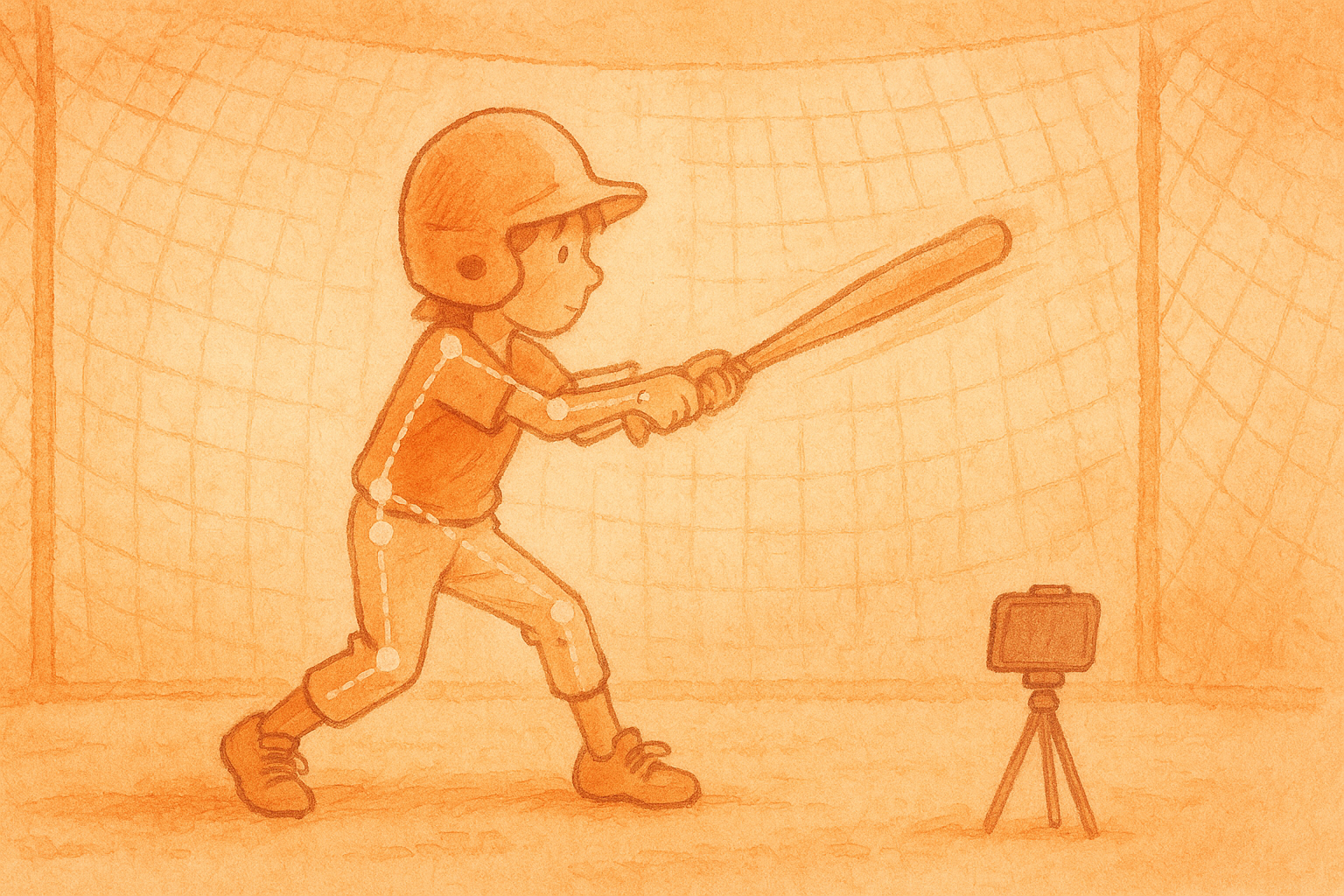
When you press Start, your browser begins tracking 33 points on the hitter's body — shoulders, elbows, wrists, hips, knees, ankles — live in the video feed. A swing isn't just "the hands moved fast." That would count a hitter walking into the box or waggling the bat. A real swing is a burst of hand speed through a rotational arc: the hands accelerate across the body while the shoulders turn, then decelerate into a follow-through.
Everything is measured relative to the hitter's own body size, so it reads the same whether they fill the frame at the tee or stand a little farther back for soft toss. That's what lets one phone work across drills without re-calibrating.
Set, Then Swing: Why It Doesn't False-Count
The counter borrows the rhythm of real hitting. It waits for the batter to be planted — feet set, lower body still — and loaded, with the hands up in the launch position and held there for about a second. Only from that "set" state does a fast, rotational move count as a committed swing. A lazy warm-up wave, an arm-only flail, or shuffling into the box registers as a warm-up instead of a real cut — so your rep count stays honest. This is the single biggest reason the number you get at the end actually means something.
What It Reads
- Swings — committed cuts, counted out loud so you can just hit
- Warm-ups — kept separate from real swings, never inflating the count
- High or low — where the hands crossed relative to the belt line, tagged swing by swing
- Swing plane (Pro) — level, uppercut, or chop, from the path the hands travel
- Tempo & relative bat speed (Pro) — rest between swings and a body-relative speed trend (not a radar mph)
- Contact, beta (Pro) — a bat-crack sound that lines up with the swing peak, so random cage noise doesn't fool it
Your Video Stays on the Phone
The pose detection runs on Google's MediaPipe Pose Landmarker (the @mediapipe/tasks-vision library) using the lightweight BlazePose model, entirely inside your browser via WebAssembly and your device's GPU. The camera feed never leaves the device. To keep improving the tool, we do save the motion data each session produces — anonymized skeleton coordinates and measurements, never video or images — and Pro members can replay their own history from it. The picture stays on your phone; only the stick-figure math is kept.
The Thirty-Second Setup
- Stand the phone side-on to the hitter — third-base or first-base view — about hip height
- Move it close or pinch-zoom until the batter fills the frame; hips-and-above is the minimum, whole body adds stride
- Set "Bats" (lefty/righty) and which side the camera is on so handedness reads correctly
- Hold the load a beat, then swing — a live checklist turns green when it can see you, and each committed cut chirps as it counts
Replay the Session
Every session records each swing as a stick-figure motion track you can play back — one cut at a time, or an average of them all, with a scrubber. It's free to preview right after a session, so a hitter can see the shape of their own swing on the walk out of the cage. Pro saves that history to the account, so you can replay and compare a swing across a week or a season — the part that turns a single good session into visible progress.
What It Can't Do (Yet)
It reads the hitter, not the ball. A pitched or batted ball is too small and too fast to track reliably on a phone, so this doesn't call balls, strikes, or hits — and it isn't built for filming from the stands, where a batter is only a few pixels tall. It shines at cage distance: tee work, soft toss, front toss, and dry swings, where you can frame the hitter up close.
That's a deliberate trade. By reading the part a camera can actually nail — the body — it delivers a swing count and swing shape you can trust, instead of a ball-flight number you can't.
Getting Started
Open the AI Baseball Swing Counter on any phone with a camera — nothing to install, nothing to sign up for to try it. Prop it at the tee, take five cuts, and watch it separate your real swings from your warm-ups. It's also part of a growing set of on-device camera tools: the AI Free Throw Tracker for basketball, and the AI Rep Counter for workouts.