Click Counter
0
Step: +1
The fastest way to count clicks. Tap the button to count up — your total is saved automatically between sessions.
Simple, accurate, and always available
Just click or tap the button. Each click adds one to your count. Simple and intuitive.
Your click count is saved automatically to your browser. Come back anytime and pick up where you left off.
Use on your phone, tablet, or desktop. Large touch targets make counting easy on mobile.
Clicked too many times? Use the minus button or undo to correct your count instantly.
Need more than one? Create multiple click counters, each with their own name and color.
Works completely offline after the first load. Count at events, in the field, or anywhere.
Start counting in seconds
Each click instantly adds one to your count. The button is large and easy to tap on any device.
Made a mistake? Click the minus button to decrease your count by one.
Change the counter name, color, or set a target number through the settings menu.
Hit reset to start a new count. Sign up to save your counting history.
One tap per thing. The digital hand clicker for anything you need to count fast.
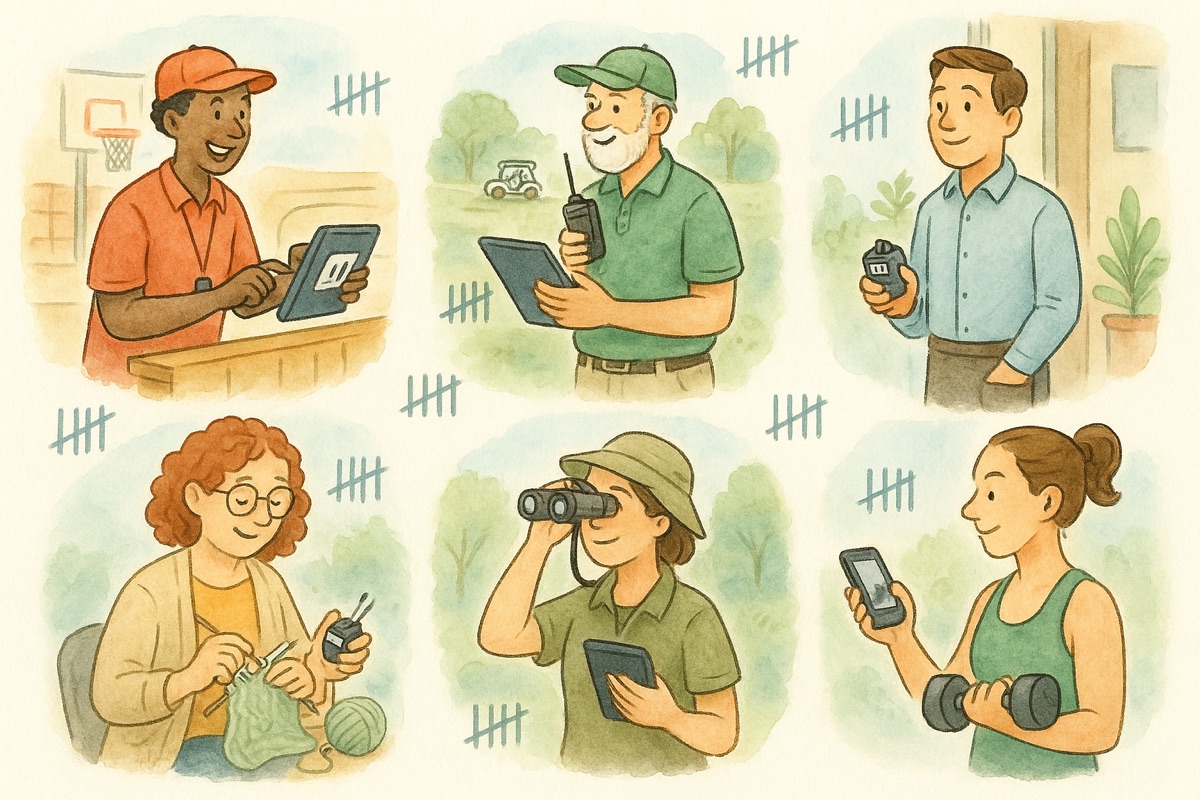
Click once per person as guests walk into an event, service, or venue. Keep a live head count without a mechanical clicker or a clipboard.
Tap each push-up, pool lap, or set so you never lose your place mid-workout. The big button and keyboard keys work even with gloves or sweaty hands.
Count repetitions, verses, rounds, or recitations with a single quiet tap. Your total is saved, so you can pick up exactly where you stopped.
Count colonies, cells, defects, or passing units at the bench or on the line. Run several named counters at once to keep each category separate.
Tap through shelves, cases, or boxes during a quick count. The minus button fixes an over-count instantly, so the total on screen is the real total.
Birds on a trail, cars in a survey, samples in the field — count anywhere on your phone. It works offline, so no signal is no problem.
Everything the metal thumb clicker does, on the device you already carry.
A mechanical clicker counts one per squeeze. This does the same on a tap or a key press, and keeps up when you need to count quickly.
A metal clicker only goes up — miscount and you start over. The minus button drops the total by one, so a slip is a one-tap fix.
Instead of juggling a clicker in each hand, open several named counters and switch between them — in and out, team A and team B, or one per aisle.
Drop a mechanical clicker and the count is gone. This saves as you go, so a closed tab or a dead screen does not cost you the number.
Keyboard shortcuts, saving, mobile, and how it compares to a tally clicker.
Yes. On a computer you can press the Space bar or the up arrow to add one, and the down arrow to subtract one, so you can count at full speed without moving the mouse. On a phone or tablet, tap the large plus button.
They are the same idea with different names. "Click counter", "clicker counter", and "tally counter" all describe a tool that adds one each time you press. This click counter is built for speed and repeat pressing — the digital version of the metal hand clicker you squeeze at a door.
This tool is a counter, not a click-speed test, so it does not put a timer on your clicks. It counts as fast as you can press, which is the point — it keeps up whether you are tapping once a minute at a door or several times a second in a hurry.
Yes. Your count is stored in your browser automatically, so you can close the tab or refresh the page and your total will still be there when you come back. Create an account if you also want to save your counters across your different devices.
Yes. Open the multi-counter to keep several named, color-coded counters side by side — for example one per door, one per team, or one per product. Each one counts on its own and keeps its own total.
Yes. The plus and minus buttons are large touch targets sized for one-handed tapping, and the layout adjusts to any screen. You can add the page to your home screen so it opens like an app.
Yes. After the page loads once, the counter keeps working offline, so you can count in a basement, on a trail, or anywhere with no signal. Your total saves locally and is still there when you reconnect.
How the click counter fits alongside tally counters, mechanical clickers, and the rest — plus how to pick the right one for the job.
Save your work
Your counts and games live in this browser. Save them to an account and they follow you to any device.
See the plans