Clicker Counter
0
Step: +1
A fast digital clicker for counting anything. Replaces mechanical hand tally counters with a free online version that works on any device.
Better than a mechanical hand clicker
Just click or tap to count. Faster and more reliable than a mechanical clicker — no moving parts to jam.
Feel each count with vibration feedback on mobile. Just like clicking a mechanical counter, but digital.
Use at events, in the field, or anywhere without internet. Your counts are saved locally.
Unlike a mechanical clicker, you can undo mistakes instantly. Click minus or undo to correct your count.
Need to count different things? Create multiple clicker counters simultaneously — no need for multiple hand clickers.
No cost, no ads on counting. Save money compared to buying a physical clicker counter from the store.
Start counting in seconds
Tap or click the large + button. Each press adds one to your count — just like a mechanical clicker.
Use the minus button to remove a count. Unlike physical clickers, digital makes corrections easy.
Change colors, set count targets, or adjust step values through the settings menu.
Hit reset for a fresh count. Create an account to keep your counting history.
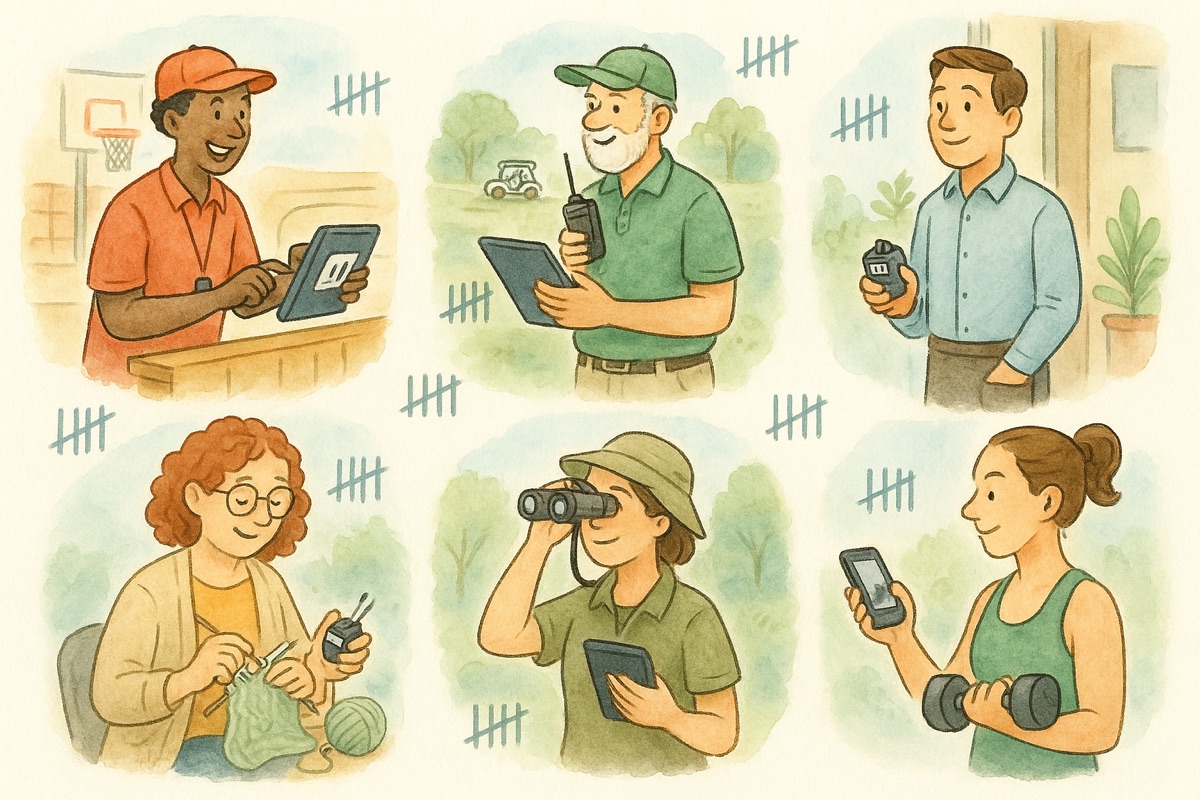
Everywhere people would reach for a handheld clicker — now on the phone already in their pocket
Track how many people are inside against a capacity limit. Tap up on the way in, tap down on the way out — no metal clicker to fumble in the dark.
Count attendees through a gate, seats filled, or wristbands handed out. Run one clicker per entrance and keep your own tally, all from one phone.
Do a quick headcount before you leave each stop. Reset to zero at the next site so every count starts clean — no more losing track of the group.
Take attendance on a field trip, count laps at practice, or track reps and drills. Undo a mis-count instantly instead of guessing your way back.
Count stock, cases, or defects on the floor. Keep a separate clicker for each item and let every tap save automatically — no clipboard to transcribe later.
Count reps, sets, rounds, or steps with one thumb. Haptic feedback confirms each press so you can keep your eyes off the screen mid-workout.
The same tool goes by several names, and one of them means something else entirely
Different names for this page. One big button, one press per thing you are counting, running in your browser instead of in your hand. If you searched for an online clicker or a clicking counter, you are already on it.
Also this page. The name comes from the big pressable button — the part of a mechanical clicker your thumb actually touches. Here the button fills most of the screen so you can hit it without looking down.
An auto clicker presses for you, usually to automate something on a computer. This counter only counts presses you make. If you want a number that climbs on its own at a pace you set, use the auto counter instead.
The metal original with the wheels and the little reset knob. Same job, same one-press rhythm — see the tally counter for the version that keeps the classic look and behaviour.
Everything people ask before ditching the handheld clicker
It works the same way — press to count up — but there is no device to buy, carry, or lose. You can also undo a mis-click, run several clickers at once, and your total saves on its own. A mechanical clicker can only count one thing and starts over the moment you drop it.
Yes. Each tap adds exactly one, just like a handheld clicker, and the large button is easy to hit without looking. If you over-count, tap minus to correct it right away — so your headcount stays right even when the crowd is moving fast.
Tap reset to set the clicker back to zero for a fresh count — handy between tour stops, sessions, or shifts. Prefer to keep a running total instead? Just leave it; the count stays saved until you reset it yourself.
Yes. Open the multi-counter to keep several clickers side by side — one per door, item, or team — each with its own name and color. That replaces carrying a pocketful of mechanical clickers with a single phone.
It runs in any phone, tablet, or computer browser — nothing to install. The button is a large touch target sized for one-handed use, and on supported phones each press gives a small haptic buzz so you can count without watching the screen.
Yes. After the page loads once it keeps working offline, so you can count at a remote gate, on a warehouse floor, or on a bus with no signal. Your count is saved on the device, not in the cloud, so it is there when you come back.
The clicker counter is free to use with no signup needed — nothing to buy at the store and nothing to replace when a clicker wears out. Create a free account if you want to keep your counters and pick them back up on another device.
Closing the tab is fine — your count is saved in the browser and waiting when you return. To protect a count against a lost or wiped device, sign in to a free account and your clickers sync so you can reach them from anywhere.
No. An auto clicker presses a button for you; this counts the presses you make yourself, so the number always matches something you actually saw or did. If you want a number that climbs on its own at a set pace — for a countdown, a stream overlay, or a timed drill — the auto counter does that.
Yes — those are all names for this tool. Whatever you call it, the job is the same: one press adds one, the total stays put until you reset it, and nothing gets installed. The naming varies by trade, which is why door staff, nurses, and warehouse crews all describe it differently.
When a digital clicker beats a mechanical one, the counter types to know, and how crews count crowds on the ground.
Save your work
Your counts and games live in this browser. Save them to an account and they follow you to any device.
See the plans