Contador de people counter,
for two thumbs.
A free online people counter with separate Men and Women buttons. Built for pedestrian surveys, foot-traffic studies, and any demographic count — on any device, no download, no sign-up.
Contador de Pessoas
Tap Men or Women as they pass · Saves automatically
Where the demographic matters.
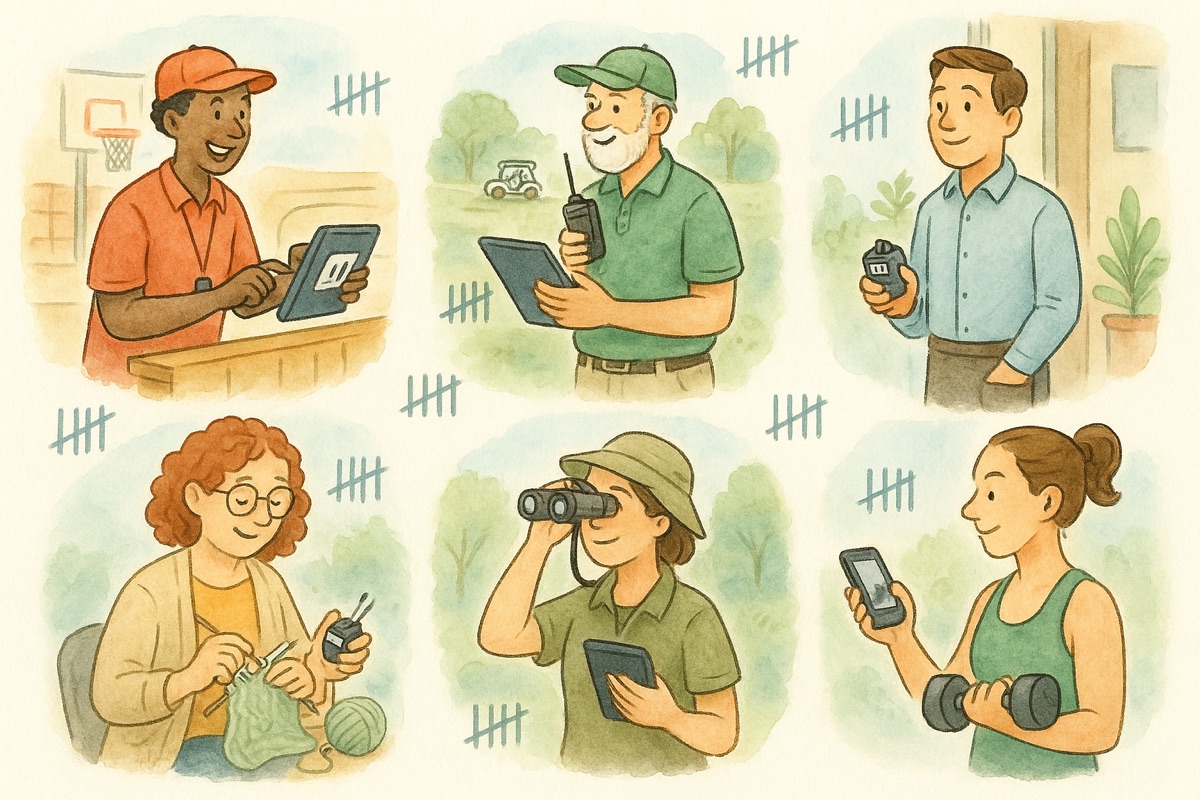
Six common scenarios where you need to know how many men versus women — every one a one-tap setup.
On the sidewalk
Pedestrian and audience studies — men vs women going pastOn the shop floor
Shopper-mix snapshots — male / female split by hourIn the audience
Conferences and shows — demographic mix for sponsors and reportsIn the classroom
Boys / Girls split for class lists, projects, school surveysIn the field
Observational research — two-bucket counts you can rename to anythingAt the platform
Rider demographics on a bus, train or ferry routeHow it works.
No setup. No manual. Pick a vantage point and start tapping.
Toque ENTRADA Quando Alguém Entrar
Posicione-se na entrada e toque o botão verde ENTRADA para cada pessoa que entrar.
Toque SAÍDA Quando Alguém Sair
Quando as pessoas saírem, toque o botão vermelho SAÍDA. A ocupação líquida é atualizada automaticamente.
Monitore a Ocupação
Acompanhe o display LÍQUIDO para ver a ocupação atual. Defina limites de capacidade para alertas.
Exporte Seus Dados
Ao encerrar a sessão, exporte os dados incluindo total de entradas, saídas e registros de horário.
Online people counter vs the alternatives.
A single handheld clicker only counts one bucket. Pen and paper drops taps in a rush. Eye-counting drifts after the first hundred people. We sit in between.
| Online People Counter | Handheld Clicker | Pen & Paper | Eye + Memory | |
|---|---|---|---|---|
| Cost to start | Free | $8–25 | Free | Free |
| Separate Men & Women | Built-in | Need two | Manual | No |
| Live combined total | Always | No | After math | No |
| Switchable label sets | Men/Women, Boys/Girls, A/B | No | Manual | No |
| Auto-save & history | Built-in | No | No | No |
| Export report | CSV | No | Re-type it | No |
| Works on your phone | Yes (PWA) | N/A | N/A | Yes |
Frequently asked.
The questions that come up most about counting men and women separately.
Q.01 O que é um app contador de pessoas?
Um app contador de pessoas é uma ferramenta digital para rastrear o número de pessoas entrando e saindo de um local. Ele fornece contagem de ocupação em tempo real — toque "ENTRADA" quando alguém entrar e "SAÍDA" quando sair, e o número líquido de pessoas dentro do local é calculado automaticamente.
Q.02 Quem usa um contador de pessoas?
Contadores de pessoas são usados por organizadores de eventos para controlar presença, lojas para monitorar fluxo de clientes, restaurantes para gerenciar capacidade, igrejas e templos para contar fiéis, academias para controlar ocupação, e qualquer pessoa que precise saber quantas pessoas estão em um espaço em determinado momento.
Q.03 Este contador de pessoas é gratuito?
Sim, o contador de pessoas é totalmente gratuito. Você pode registrar entradas, saídas e definir limites de capacidade sem criar conta ou baixar nada. Recursos premium como sincronização na nuvem e exportação de dados estão disponíveis em planos de assinatura opcionais.
Q.04 Posso definir um limite máximo de capacidade?
Sim, você pode definir uma capacidade máxima para o seu local. Quando a ocupação se aproximar do limite, o contador exibirá um aviso visual. Isso é especialmente útil para conformidade com normas de segurança contra incêndio, regras de ocupação, ou qualquer situação em que você precise gerenciar quantas pessoas estão dentro do local.
Q.05 O contador de pessoas funciona no meu celular?
Sim, o contador de pessoas funciona em qualquer smartphone, tablet ou navegador de computador. Os botões grandes de ENTRADA e SAÍDA foram projetados para toques rápidos com uma mão enquanto você está na porta ou entrada. Você também pode adicioná-lo à tela inicial para acesso instantâneo.
Q.06 Posso exportar meus dados de contagem?
Sim, você pode exportar seus dados de contagem como arquivo CSV para relatórios, análises ou arquivamento. A exportação inclui total de entradas, total de saídas, ocupação líquida e registros de horário das sessões — útil para relatórios de eventos, documentação de segurança ou análises comerciais.
Q.07 What waitlist app can also count people?
WaitlistApp pairs a digital waitlist with a built-in tally counter, so you can track walk-ins and add named guests to the queue from the same screen. It runs in any browser as a PWA and is free to start — see the WaitlistApp section above for a live demo.
Q.08 How do restaurants count walk-ins and manage their waitlist together?
There are two common setups. A simple tally counter (like the one on this page) gives you headcount only — fast, no setup, no signup. An integrated tool like WaitlistApp lets you tap a counter for each arrival and immediately drop a name into the waitlist, then text guests when their table is ready. Choose the tally counter if you only need a headcount; choose a waitlist app if you also need to manage who is next.
Q.09 Can a tally counter help with crowd capacity or occupancy limits?
Yes. Switch the counter to Customers In / Out mode and tap one button each time someone enters and the other when someone leaves — the running total is your live occupancy. It is a quick way to keep a small venue under a fire-code or licensed capacity without buying dedicated door-counter hardware.
Q.010 What is the best app for managing a queue at a bar, salon, or restaurant?
For a real queue — named guests, SMS notifications when their spot is ready, self-serve sign-up by QR — a dedicated waitlist app is the right tool. WaitlistApp covers all three and adds live wait-time estimates. For an unnamed headcount only ("how many people are in the room right now"), a tally counter like this one is faster.
Q.011 How do I count people entering an event and notify them when their seat is ready?
Use this counter at the door for the live attendance number, then route arrivals into a waitlist app so each person gets an SMS when their seat or table opens. WaitlistApp handles both sides — door count plus named queue with text notifications — from one screen.
Stop guessing the split. Start counting it.
A people counter that fits in your pocket and runs in any browser — built for the demographic split, not the spreadsheet.
Counting people in the real world
How occupancy, crowd flow, and door counts play out across venues, festivals, hotels, and restaurants.
- State fire codes & occupancy limits — 50-state guide How to calculate occupant load and what penalties look like state by state.
- Crowd counting tools & flow management Methods for tracking movement at venues with multiple zones.
- The lobby foot-traffic metric hotels overlook Why lobby counts predict ancillary revenue and staffing needs.
- Why restaurants count every guest Door counts vs. covers and what they reveal about service.
- How festival organizers count 50,000 people Multi-zone counting at scale, with mobile-first workflows.
- SASREA event-safety crowd counting (South Africa) Compliance counting for stadium and large-event operators.
- Classroom management with digital counters Attendance, behavior tallies, and head counts for educators.
- BCEA attendance register compliance (South Africa) How a digital counter satisfies workplace attendance requirements.
